


Engenius WiFI6 POE Managed Access Point Review
October 2019 - One of the promises of the new wireless standard 802.11AX also known as WiFi6, it is the ability to have multiple stream video, download and use high performance gaming (on PCs or consoles) at the same time. For small businesses, the applications extend to the now daily standard of supporting multiple simultaneous video calls, while people are doing their normal business document communication and performing video related training and research on-line.
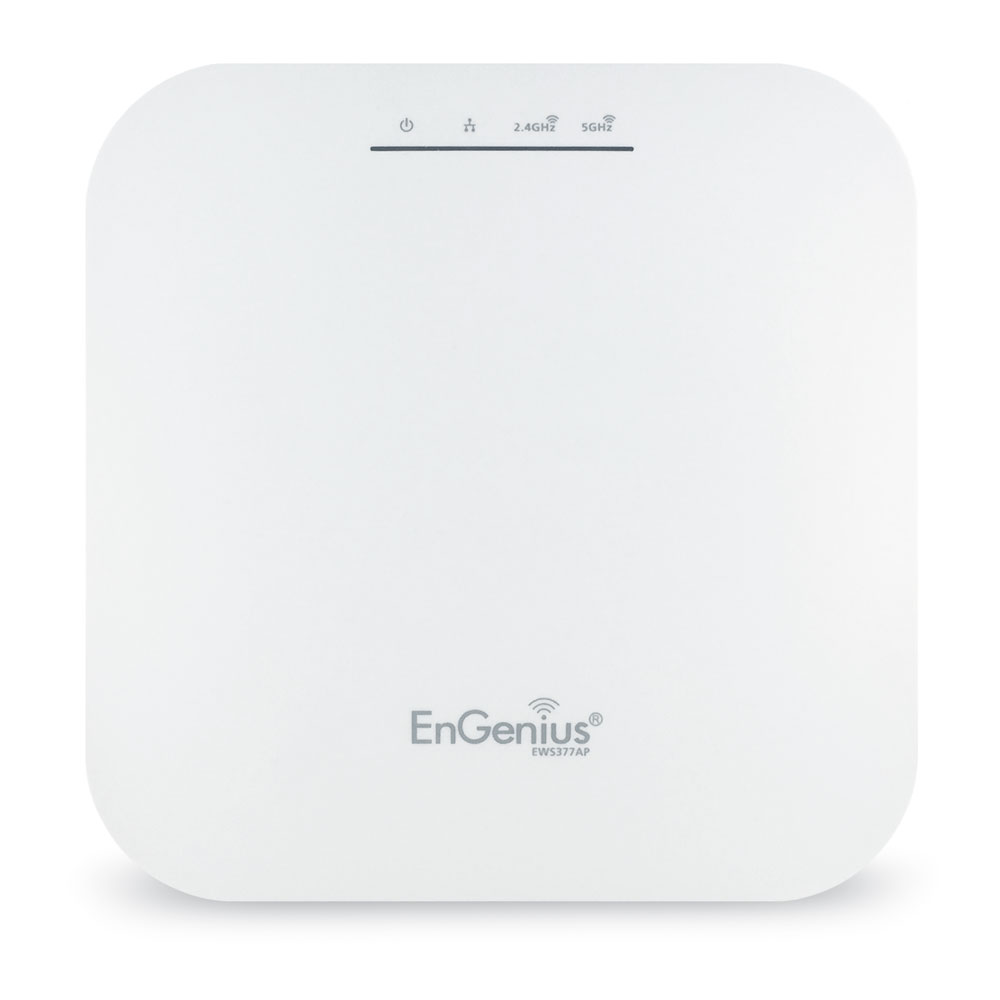
In order to test this new capability, we were able to review the new EWS377AP 4×4 802.11AX wireless access port from Engenius, who is one of the leaders in SOHO, institutional/hospitality and prosumer wireless technology. The unit handles both 2.4GHz and 5GHz bands simultaneously while supporting the new 1024-QAM data modulation which allows for 25% higher throughput than the WiFi5 256-QAM.
The unit is an access port, so it adds easily for existing 1GB wired networks. To simplify installation, it is a single connection device supporting Power Over Ethernet (POE) to run the unit. Our test setup does not have any available POE ports remaining, so we tested the unit using the Engenius EPA5006GAT Gigabit POE adapeter, which can be mounted next to the unit, or via a cable out of sight of the unit.
Unlike a lot of home and personal use routers and access points, they are difficult to setup and are ONLY set for the home networking IP range of 192.168.xx.xxx, the Engenius device can be easily redirected to SOHO business networks on a 10.1.xx.xxx network or any other IP address range that is set by your IT team.
The Access Point is setup and configured via a web app which is very intuitive and does not require any complex configuration to setup. Standard setup is under 5 minutes including physical mounting and connection of the device, all the way through configuration to use.
As for the performance – using 802.11AX devices to connect – the performance was amazing. For Streaming video, even from professional Sony XDCAM cameras, there were no buffer, packet backup, dropped frames, or non-correctable errors on the video being sent. As the AX (WiFi6) standard is just rolling out, most of the devices in the network were still WiFI5 (802.11AC) and were setup for 2×2 MIMO using wither the 2.4GHz or 5GHz bands but not both simultaneously. Using the new access point, even with these devices, the ability to cast video to a 4K TV from a laptop, while gaming on a PC and doing a Zoom video call all worked in excess of 30min as a simultaneous test without any of the platforms freezing, buffering, dropping content or pausing. Everyone could do what they wanted without colliding. So for retrofit to existing environment, the enhanced QAM and simultaneous channels still improve the end user experience.
We then tried the network with a new AX interface to the unit. We connected a couple PCs using the ASUS 802.11AX PCIe card that is based on the Intel AX200 Module which supports 802.11ax via a 2×2 MU-MIMO connection. This configuration provided the promised bandwidth and performance that was promised by the WiFi6 interface. On the PCs with AX – full 30 fps 4K video plus 90fps wireless gaming and simultaneous video calling on a Samsung phone using an 802.11AC interface.
The easy installation, POE connection for single wire and absolutely reliable and predictable performance of the Engenius EWS377AP makes it one of the top choices for BOTH businesses that are video and communication centric for their day to day work, and the home video/gaming enthusiast that wants a device that works as expected and takes the network worries out of their thoughts to be able to focus on their content.
